
Modern Banking directly in Microsoft Dynamics 365 Business Central
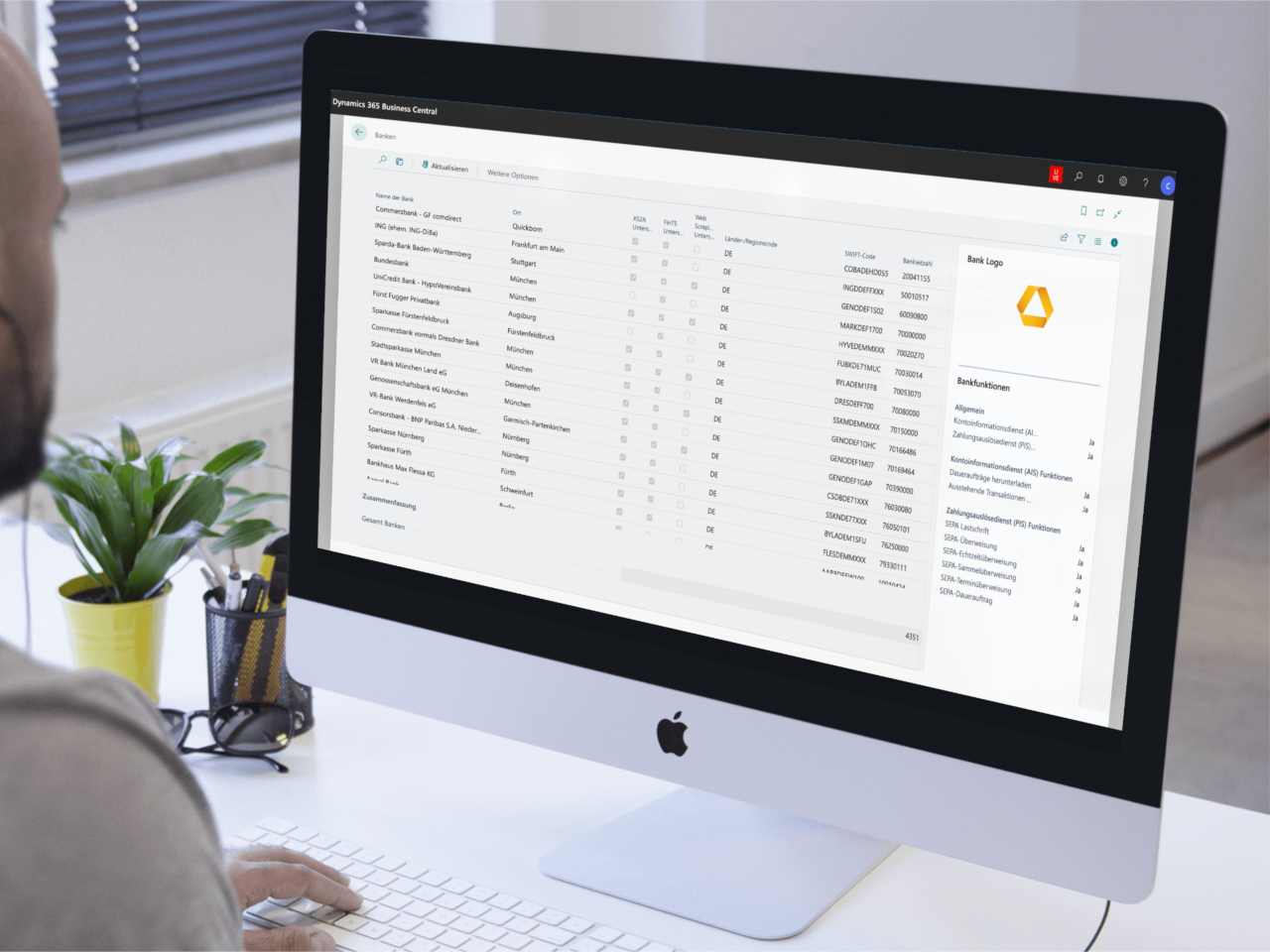
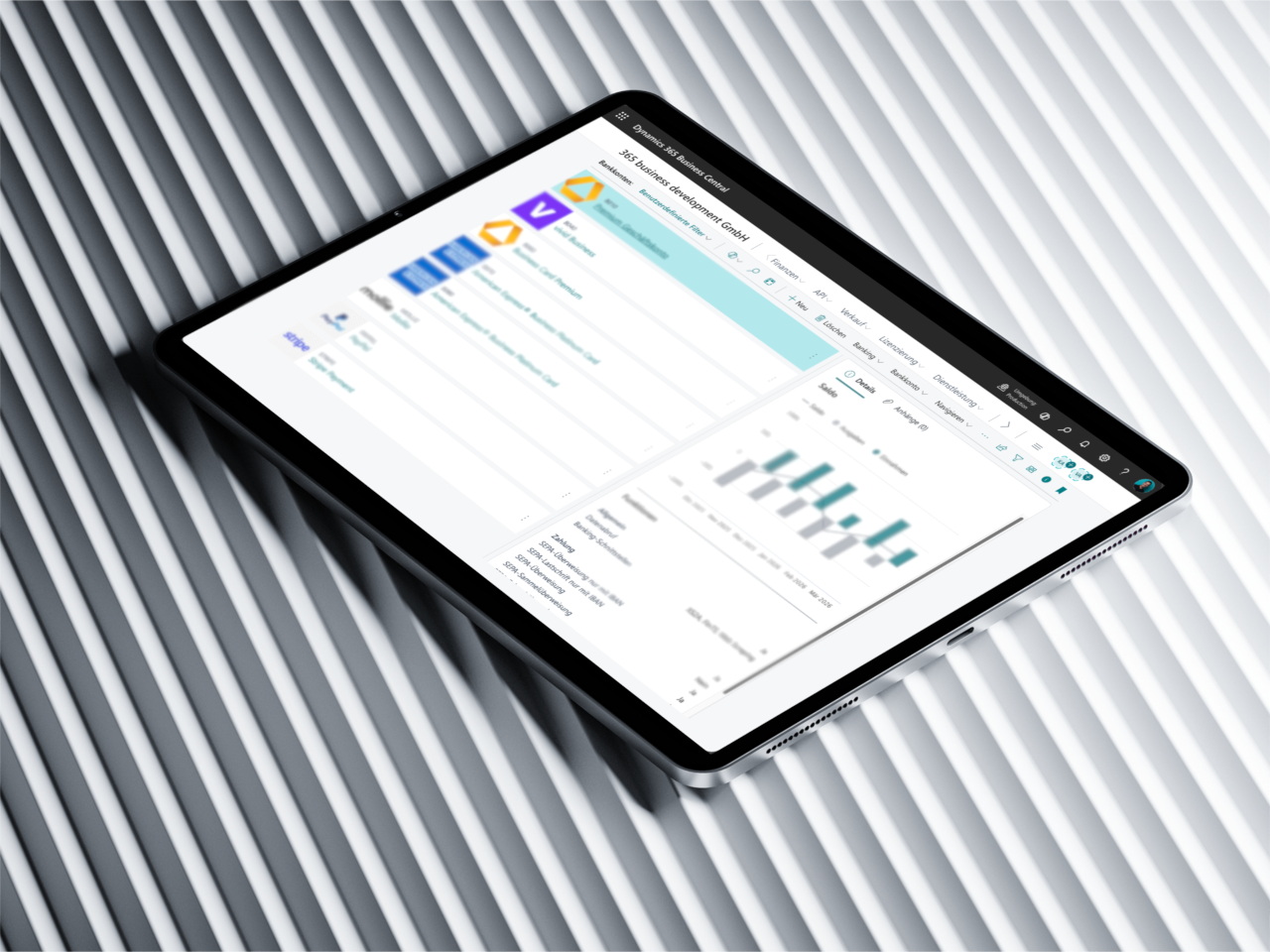
365 business Banking connects your bank accounts, credit cards and payment services directly to Microsoft Dynamics 365 Business Central – via PSD2 with 4,500 banks in 13 European countries, via EBICS directly with your house bank, or with camt and pain files. Retrieve bank transactions, execute payments and reconcile accounts – all without external tools.
At a Glance
Everything you need
Connect bank accounts, credit cards and more directly to Microsoft Dynamics 365 Business Central.

Features at a glance
Direct bank connection
Connect your bank accounts securely via the PSD2 interface of finAPI directly to Microsoft Dynamics 365 Business Central – without external file imports.
EBICS connection
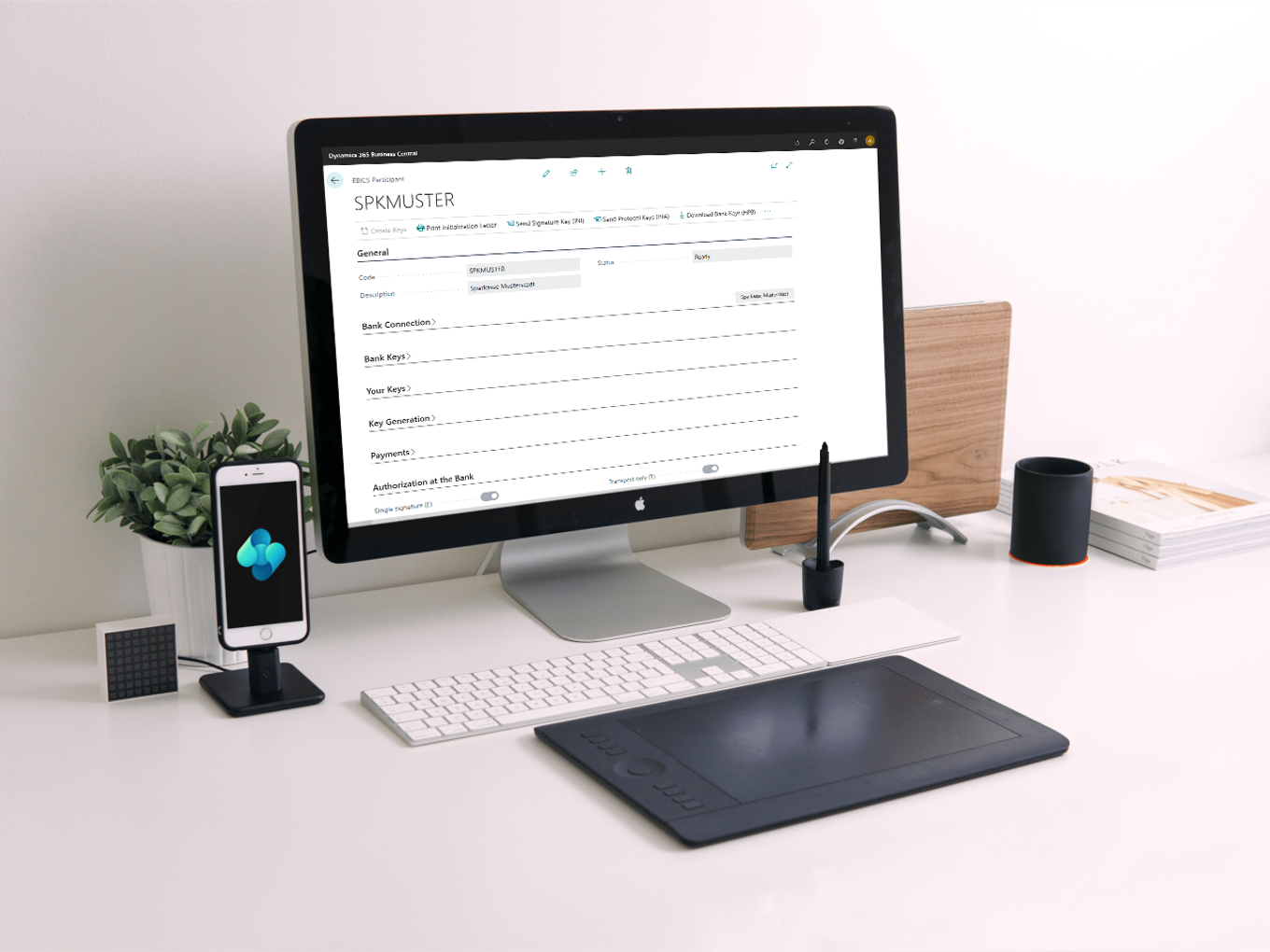
Retrieve bank statements and submit SEPA credit transfers, instant credit transfers and direct debits (CORE and B2B) – via EBICS directly with your bank's server, without TANs and without a third party in between. Supports EBICS 2.5 (H004) and EBICS 3.0 (H005).
camt/pain file accounts
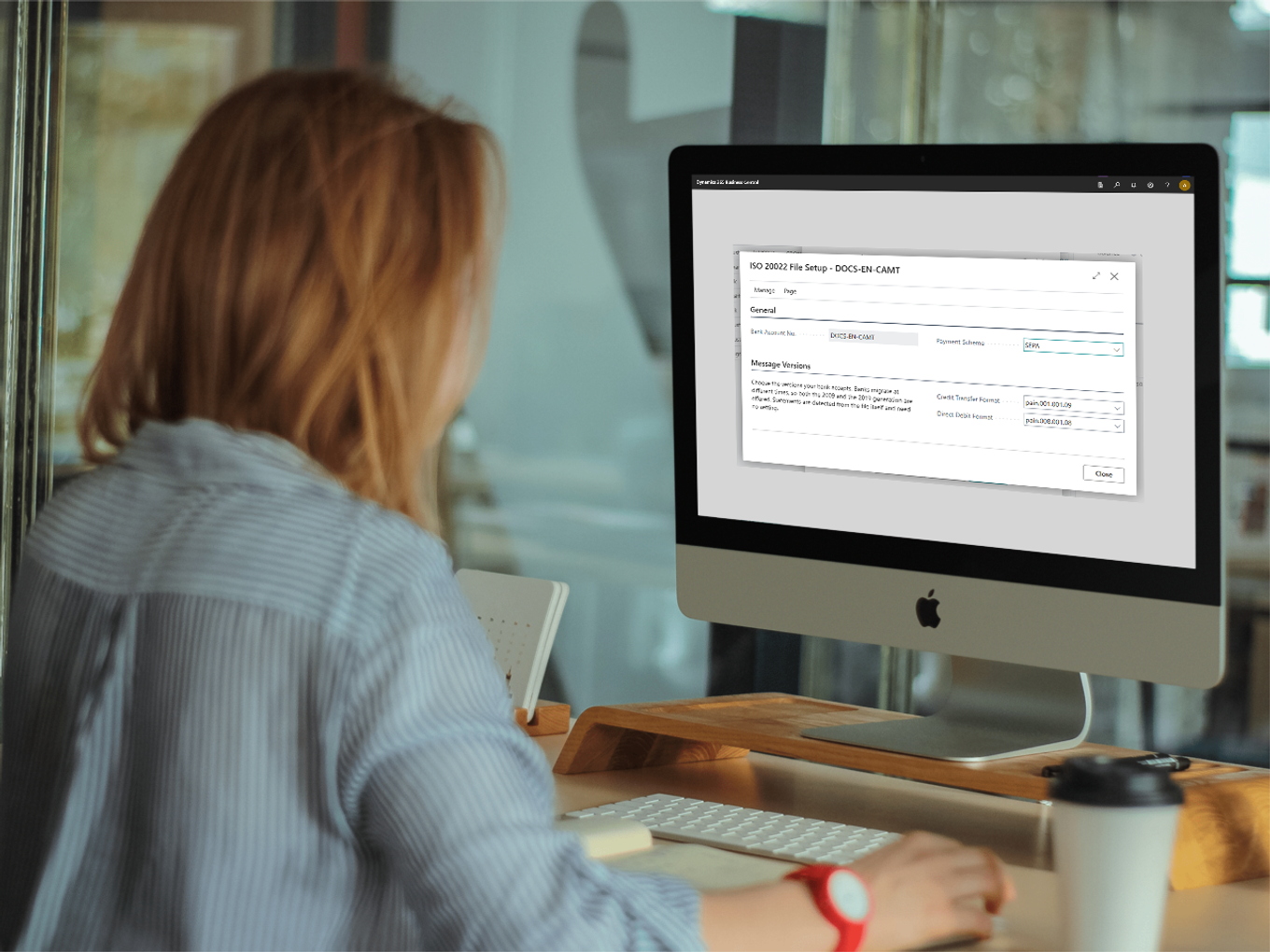
Run bank accounts without an online connection on files: import statements as camt.052, camt.053 or camt.054, export credit transfers as pain.001 and direct debits as pain.008 – in both the 2009 and the 2019 versions.
Credit cards
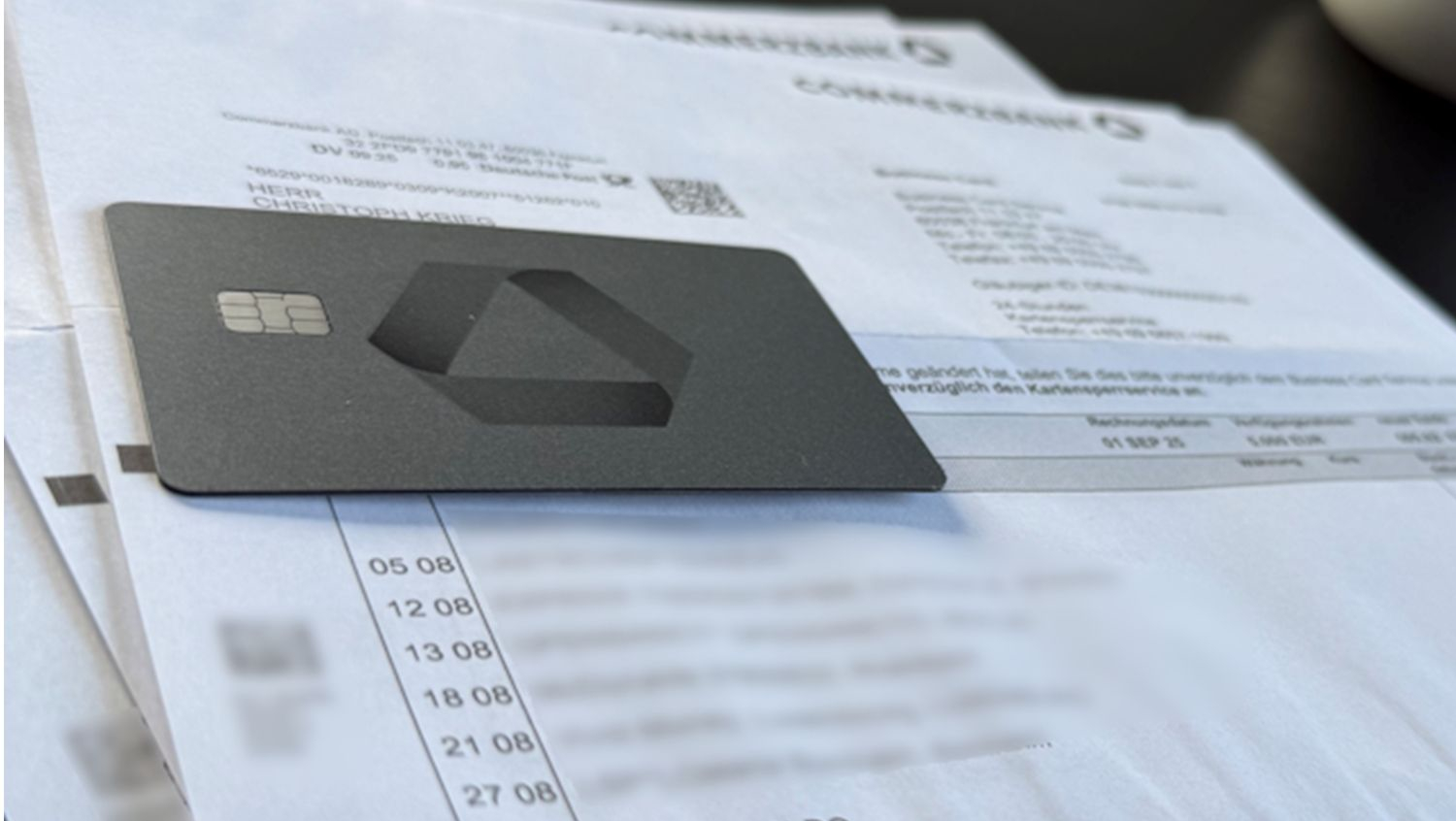
Connect your credit cards directly to Business Central, retrieve transactions and reconcile them intelligently with your business transactions.
Payment processing
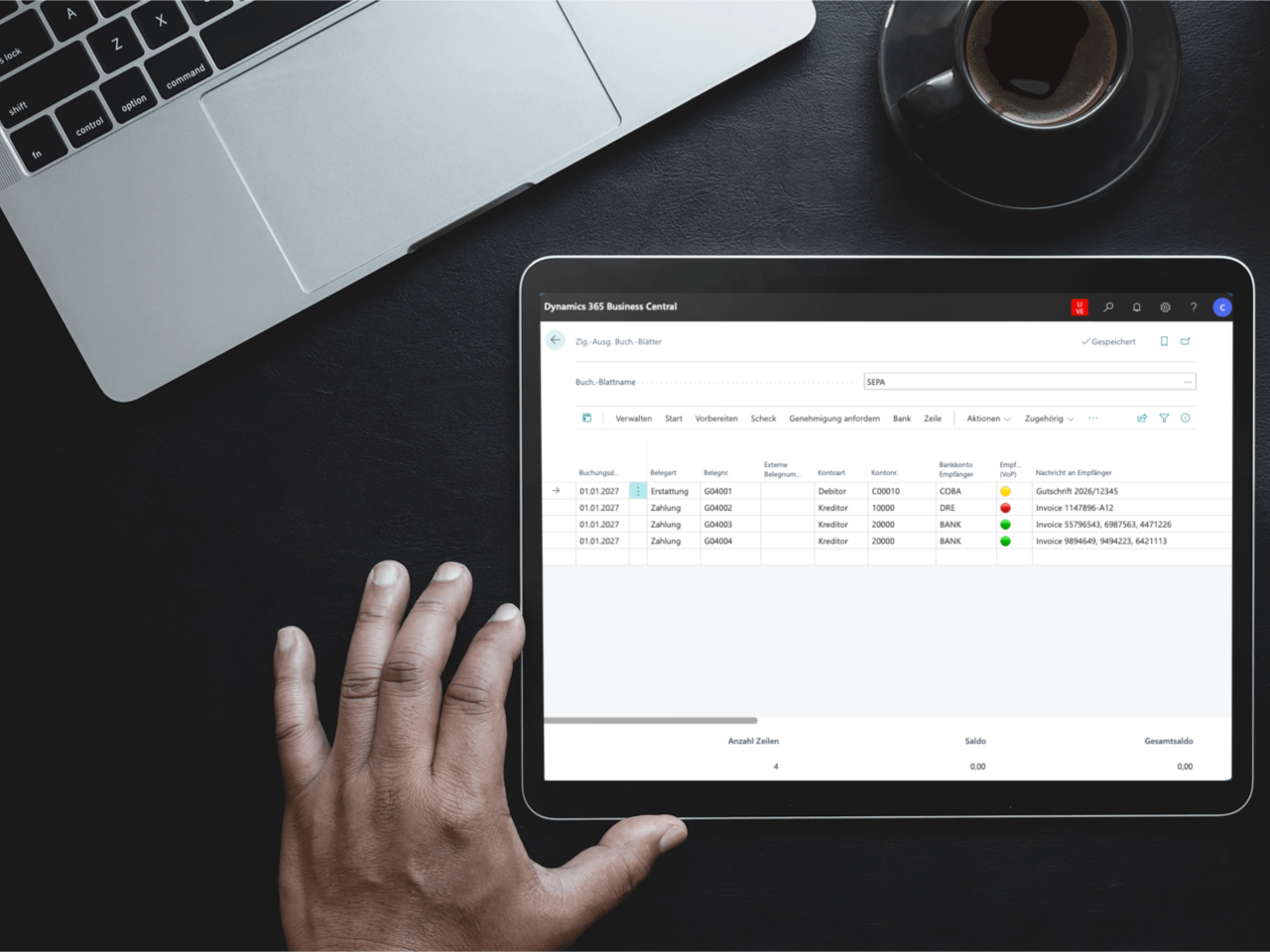
Execute SEPA credit transfers, SEPA instant credit transfers, SEPA direct debits and standing orders directly from Business Central.
Foreign and euro urgent transfers
Submit payments outside SEPA and urgent euro transfers via EBICS straight from Business Central as well – including status feedback from your bank.
European coverage
More than 4,500 banks in 13 European countries available.
Intelligent account reconciliation
Automated matching of bank transactions with open entries, posting rules, split rules and more – directly in Business Central.
Payment services
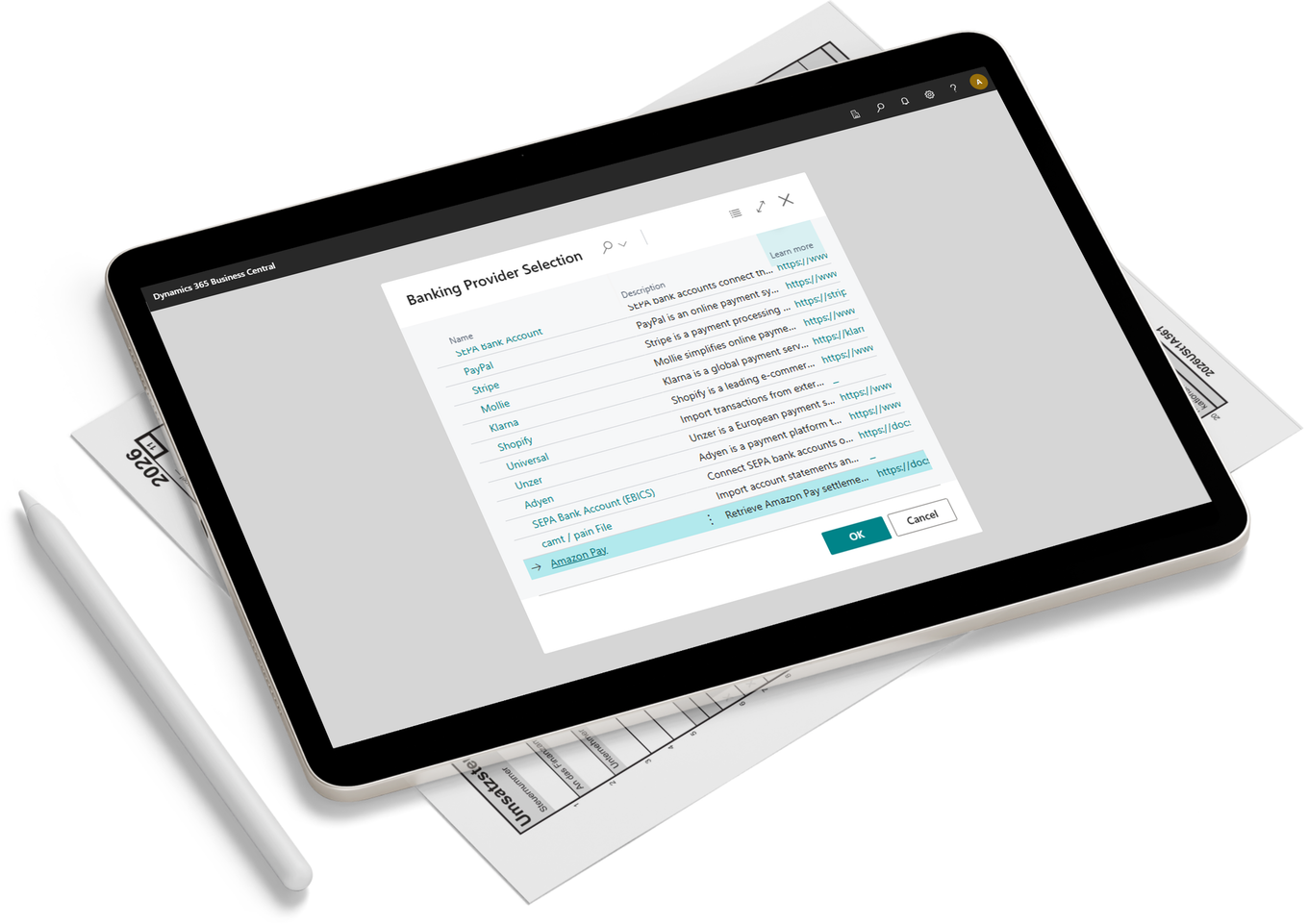
Integrate your payment service providers (PSP) such as PayPal, Stripe, Mollie, Klarna, Shopify, Adyen, Unzer and Amazon Pay directly in Business Central. Transactions from payment service providers are retrieved automatically and can be reconciled intelligently.
Modern Banking. Simply 365 business Banking
From classic bank accounts – via PSD2, EBICS or file – and credit cards to payment service providers (PSP): 365 business Banking integrates all your financial accounts directly in Microsoft Dynamics 365 Business Central. Retrieve transactions, execute payments and reconcile accounts – all without external tools, all in Business Central.
Technology Partners

finAPI GmbH
Secure communication via PSD2 certified interface
365 business Banking uses the PSD2-certified interface of finAPI GmbH. finAPI GmbH is one of the leading providers of Open Banking and Open Finance solutions in Germany. As a BaFin-licensed account information and payment initiation service, finAPI focuses on software solutions for aggregating and analyzing financial data for innovative financial applications.
Partners
Our experts
Do you need support? These certified partners support you with the implementation and operation of this solution.
HAN Consulting
Specialised Microsoft Dynamics 365 Business Central partner with a focus on financial processes. HAN Consulting is happy to support you with the implementation and any questions regarding:
- 365 business ERiC
- 365 business Banking
Direct Support?
Our support team is happy to help you directly. Open a ticket in our Service Desk and we will get back to you promptly.
Open Service DeskBilling
Fair & transparent: pricing based on payment instructions
You only pay for payment instructions — not for account retrievals, bank transactions or incoming payments.
A payment instruction is the technical unit of an executed payment — the exact instruction sent to a bank or payment provider. In most cases, one payment instruction equals one payment, such as a bank transfer or direct debit.
You don’t pay for account transactions — only for payment instructions.
In batch payments, a single payment can contain multiple payment instructions, as each recipient is processed individually.
Many solutions count every account transaction — including incoming payments. We don't.
You only pay for what you actively initiate.
What is not billed?
Account transactions, incoming payments, and data retrievals are included — they are not part of billing.
Highly efficient for PSP payments
10 payment instructions via a PSP count as just 1 billed unit.
Ideal for high volumes and many smaller transactions via providers like PayPal, Stripe or Mollie.
Your advantage at a glance
| Model | What is counted? | Result |
|---|---|---|
| 365 business Banking | Only payment instructions | predictable & fair |
| Traditional models | All account transactions | can grow quickly |
Transparent pricing
Monthly billing, no minimum contract.
Feature license
EBICS connection
On top of your Banking license: the direct EBICS connection to your bank's server. Payments via EBICS count as payment instructions, as usual.
- EBICS 2.5 (H004) and EBICS 3.0 (H005)
- Statements (camt.053) and intraday reports (camt.052)
- SEPA credit transfers, instant transfers and direct debits (CORE/B2B)
- Foreign and euro urgent transfers
- Status feedback from your bank (pain.002)
- Key management directly in Business Central
per company
/ company per month
per tenant
/ tenant per month
30-day free trial
Scale flexibly: add-on packages
Start with your base package and expand as needed with additional payment instructions.
XS
300 per month
€60.00
In addition to your base package
S
500 per month
€95.00
In addition to your base package
M
1,000 per month
€180.00
In addition to your base package
L
2,500 per month
€425.00
In addition to your base package
XL
5,000 per month
€800.00
In addition to your base package
XXL
10,000 per month
€1,500.00
In addition to your base package
- Scales with your business
- Full cost control
- No hidden costs
- Pay as you grow
Frequently asked questions about billing
What is a payment instruction?
Why can one payment include multiple payment instructions?
How are PSP payments billed?
Why is this model fairer than others?
Frequently asked questions about EBICS
What do I need from my bank for EBICS?
How does the distributed electronic signature (VEU) work?
Can I reuse my existing EBICS keys, e.g. from SFirm or Profi cash?
Are standing orders supported via EBICS?
How is EBICS billed?
Ready to get started?
Get started with 365 business Banking and benefit from a fair and predictable pricing model.